
.png)


.webp)
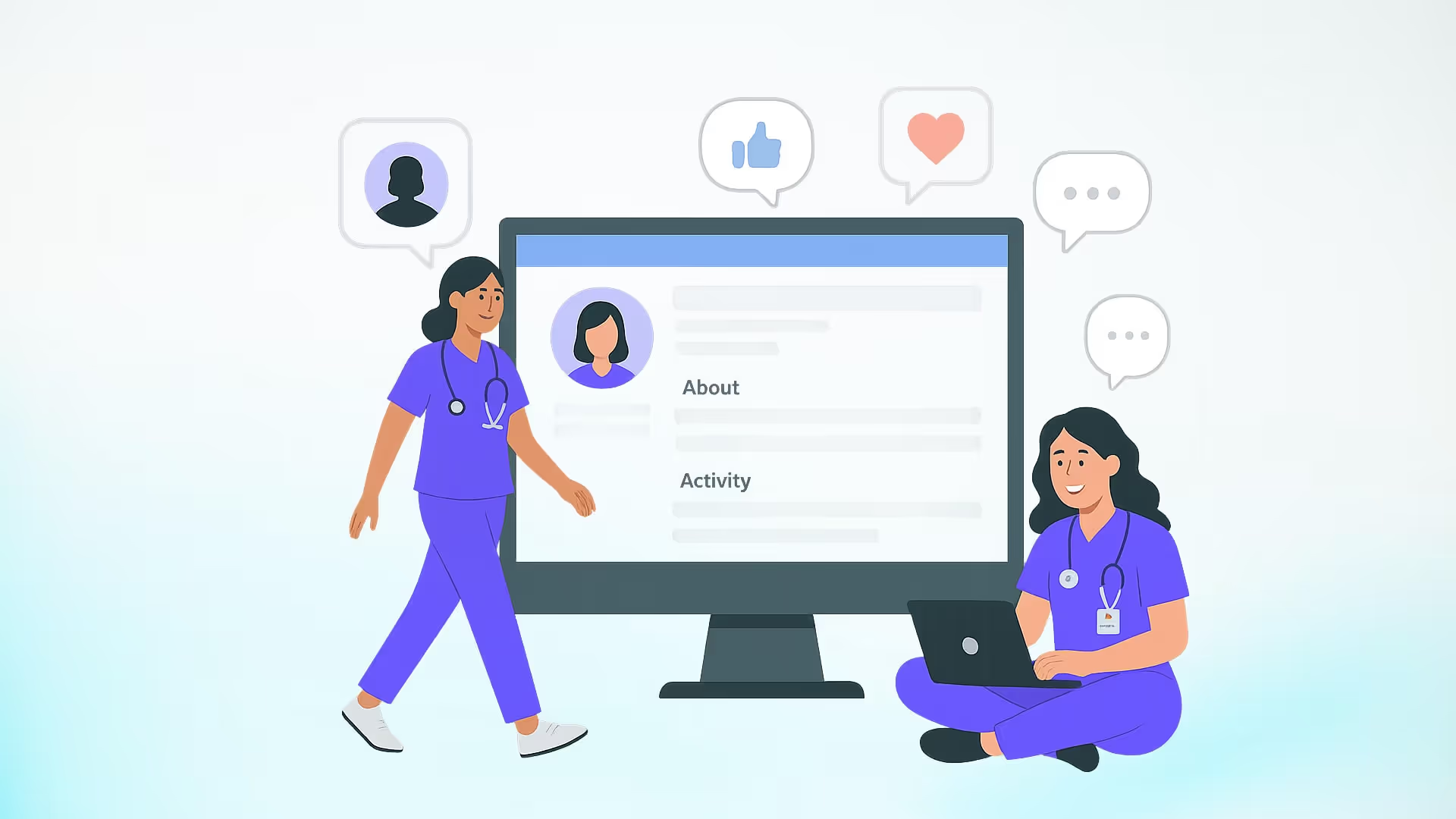
A strong LinkedIn profile helps working nurses get found by recruiters and helps nursing students reach the preceptors and mentors who move a career forward. This guide gives you real nurse LinkedIn profile examples you can adapt: headline formulas, summary templates, credential formatting, photo and banner specs, and a section written specifically for nursing students trying to line up clinical placements.
Everything below is built around how LinkedIn actually displays your profile in 2026, so you spend your effort on the parts recruiters and preceptors really see.
TL;DR – Top Nurse LinkedIn Profile Examples to Boost Your Professional Appeal
- Lead with a specific headline. You get 220 characters, but only the first 60 or so show in search and connection requests, so put your specialty and role first.
- Format your credentials in order: highest degree, license, national certification, specialty certification (for example, MSN, RN, FNP-BC).
- Open your summary with a strong hook. Only the first 300 characters or so of the About section show before the "see more" fold, so those two lines carry the most weight.
- Use a clean professional photo and a simple banner sized 1584 x 396 pixels.
- If you are a nursing student, use LinkedIn to identify and message potential preceptors, and pair it with a vetted matching service so a missing placement never blocks your graduation.
Do nurses need LinkedIn?
Yes. For working nurses, LinkedIn is where healthcare recruiters search for candidates, check credentials, and make first contact before a job is ever posted. For nursing students, it is a direct line to preceptors, program alumni, and providers in your specialty. With more than 1.2 billion members in 2026, it is also where much of the healthcare hiring conversation now happens.
You do not need to post constantly to benefit. A complete, accurate profile does most of the work by making you findable when a nurse recruiter or provider searches for someone with your background.
How a Strong LinkedIn Profile Opens Doors to Preceptors and Employers
As a registered nurse advancing your nursing career into the NP field, having a powerful tool like a LinkedIn profile is no longer optional - it's essential for professional growth. Your profile serves as more than just an online CV; it's your personal brand that showcases your clinical skills, patient care experience, and professional development journey to potential employers.
LinkedIn has become particularly valuable for NP students looking to connect with preceptors and healthcare recruiters. In fact, many of our students have used well-crafted LinkedIn profiles to find mentors who've helped shape their expertise in various healthcare settings. Through our experience at NPHub, we've seen how a strong first impression on LinkedIn can open doors to invaluable clinical opportunities.
With over 1 billion registered users, including countless healthcare employers and other nurses, LinkedIn has evolved into the premier professional networking platform for nursing. Gone are the days of unwanted signup emails - today, it's a critical tool for showcasing your track record in patient outcomes and connecting with prospective employers.
Nurse LinkedIn headline examples
Your headline is the most visible line on your profile. It sits next to your name in search results, comments, and connection requests, so it often decides whether someone clicks. LinkedIn allows 220 characters, but only about 60 to 120 show on most screens, which means your specialty, role, and one clear focus should come first.
Match your headline to what you want next:
A few things separate a headline that works from a default job title:
- Front-load the important words. Assume only the first 60 characters will be read.
- Name your specialty, whether that is critical care, pediatric care, geriatric care, or mental health.
- Add one focus or goal, not a list of buzzwords. "Patient safety and evidence-based practice" tells a recruiter more than "passionate, driven, hardworking."
Nurse LinkedIn summary examples
Your summary (the About section) gives you 2,600 characters, but only the first 300 or so appear before readers click "see more." Open with two lines that say who you are, what you focus on, and what you want next. Then use short blocks and a few specifics so the section stays easy to scan.
Here are three summary examples you can adapt to your own stage.
Example 1: Experienced critical care RN
Critical care nurse with [X] years in a cardiac ICU, focused on patient safety and evidence-based practice. I care for high-acuity patients, mentor new graduates on the unit, and hold my CCRN certification.
In my current role I:
- Manage complex patient assessments for [X] patients per shift
- Precept new nurses through their first weeks on the floor
- Serve on our unit's patient safety committee
I am exploring [charge nurse / educator / NP] roles where I can [goal]. If you are a nurse recruiter working in critical care, I welcome a conversation.
Certifications: RN, BSN, CCRN Location: [City, State] | Open to [on-site / relocation]
Example 2: New graduate RN
New graduate registered nurse (BSN, RN) starting my career in [specialty]. During nursing school I completed clinical rotations in med-surg, telemetry, and [specialty], where I built a foundation in patient assessment, medication administration, and patient education.
I am looking for a new-grad or residency position in [city] and am drawn to teams that invest in mentorship and continuous learning.
What I bring:
- Clinical rotation experience across [X] units
- BLS and ACLS certified
- [Language] fluency for patient communication
Certifications: BSN, RN, BLS, ACLS Location: [City, State]
Example 3: NP student seeking a preceptor
Family nurse practitioner student (BSN, RN) completing clinical rotations in primary care. I have [X] years of bedside experience as a registered nurse and am building advanced skills in diagnosis, treatment planning, and patient management.
I am actively seeking a preceptor in [specialty] in [state/region] for [term]. If you are a provider open to precepting, or you know someone who is, I would welcome a message.
Clinical background:
- years RN experience in [unit]
- Current rotations: [primary care / women's health / etc.]
- Enrolled at [school], graduating [date]
Certifications: BSN, RN Location: [City, State] | Seeking preceptor for [term]
Notice that each example leads with the two lines that matter most, keeps the middle scannable, and ends by naming exactly what the reader can do next. That structure is what turns a summary from a biography into a working part of your job search or preceptor search.
How to list your nursing credentials on LinkedIn
List your credentials after your name in a set order so recruiters can read your qualifications at a glance. The standard order runs from your highest degree to your most specific certification.
Here's an example:
One detail worth getting right: the certification suffix reflects the certifying body. A family nurse practitioner certified through the ANCC uses FNP-BC, while one certified through the AANPCB uses FNP-C. Use the exact form on your certificate, and keep it consistent with your state board record.
Profile photo and banner
A professional photo and a simple banner give recruiters and preceptors a clear first impression before they read a word.
For your professional headshot:
- Frame from the head to the collarbones, with your face taking up most of the shot.
- Use a neutral background (a plain wall) or a clean clinical setting that respects patient privacy.
- Wear professional attire or fresh scrubs.
- Aim for soft, even lighting and a natural expression.
A recent nursing school graduation photo can work well if your face is clearly visible and the styling looks professional.
For your banner:
- Size it 1584 x 396 pixels so it displays cleanly on desktop and mobile.
- Options that work: a simple clinical setting, a solid color with a short specialty tagline, or a subtle medical motif.
- Keep any text out of the lower-left corner, since your profile photo overlaps that area.
Experience and Featured sections
Write your experience section so each role shows scope and results, not just a title. Recruiters scan for specifics, so lead your bullets with what you did and what changed as a result.
A stronger format looks like this:
Critical Care Registered Nurse | [Hospital] [Month Year] to Present | [City, State]
- Care for [X] high-acuity patients per shift in a fast-paced ICU
- Improved [metric] by [X]% through [specific change]
- Precepted [X] new nurses in critical care protocols
- Serve on the unit's patient safety committee
Use bracketed placeholders as a reminder to add your own real numbers. Accurate specifics build trust; invented ones do the opposite.
Do not skip the Featured section. It lets you pin a resume, certification, project, or article to the top of your profile. This is especially useful for new graduates and students, who can showcase concrete work even with limited job history.
How nursing students use LinkedIn to find preceptors
Nursing students can use LinkedIn to identify providers in their specialty, learn who is connected to their program, and send a short, specific message asking about precepting. It is one of the few channels where a student can reach a potential preceptor directly and professionally.
If you are a nursing student, you might feel like you are "just a student" with little to offer. A complete profile changes that impression. When a provider sees your credentials, your clinical rotations, and a clear ask, you read as a serious professional worth a reply.
A message that tends to get a response is brief, specific, and easy to say yes to:
Hi Dr. [Last name], I am an FNP student at [school] completing my [specialty] clinical rotations this [term]. I came across your profile through [shared connection / program / group] and admire your work in [area]. I am reaching out to ask whether you are open to precepting a student this [term], or could point me toward a colleague who might be. I am glad to share my clinical background and my school's requirements. Thank you for your time.
Keep these principles in mind when you reach out:
- Be specific about the ask: Name your specialty, your term, and your location.
- Make it low-effort to help: Offer to send your requirements so the provider does not have to chase details.
- Follow up once, politely: If you do not hear back within a week or two.
Direct outreach works, and it also has limits. Providers are busy, many are not active on LinkedIn, and a single unanswered message can stall a rotation you need to graduate. Pairing your networking with a vetted preceptor network gives you a reliable backup. If you would like a second track running alongside your outreach, you can create a free NPHub account and browse vetted preceptors in your specialty whenever you are ready.
Nurse LinkedIn profile checklist
Use this as a final pass before you consider your profile done:
- Professional photo, framed head to collarbones, on a neutral or clinical background
- Banner sized 1584 x 396 pixels
- Name formatted with credentials in the correct order
- Headline leads with your specialty and role in the first 60 characters
- Summary hook in the first two lines, before the "see more" fold
- Experience bullets with real specifics and outcomes
- Featured section with at least one item pinned
- Skills that match your specialty and the roles you want
- Personalized LinkedIn URL
- Open to Work set if you are job searching
For your personalized LinkedIn URL, use a clean format such as linkedin.com/in/firstname-lastname-fnp. These are illustrative formats to model, not real profiles.
Frequently asked questions
Do nurses need a LinkedIn profile?
Yes. It is where healthcare recruiters search for and vet candidates, and for students it is a direct way to reach preceptors and mentors. A complete profile makes you findable even when you are not actively looking.
What should a nurse's LinkedIn headline say?
Lead with your specialty and role, then add one clear focus, all within the first 60 characters. For example, "Critical Care RN, BSN | Focused on patient safety and evidence-based practice."
How do you list nursing credentials on LinkedIn?
Use this order after your name: highest degree, license, national certification, then specialty certification (for example, MSN, RN, FNP-BC). Match the exact form on your certificate and your state board record.
How can nursing students use LinkedIn to find a preceptor?
Identify providers in your specialty, note any shared program connections, and send a short, specific message naming your specialty, term, and location. Keep outreach professional and follow up once if needed.
How long should a nurse's LinkedIn summary be?
Use the first 300 characters for a strong hook, since that is all that shows before the fold. You have up to 2,600 characters total, but scannable is better than long.
How often should nurses update their LinkedIn profile?
Review it every few months and after milestones such as a new certification, a completed rotation, or a role change.
Key Definitions for Optimizing Nurse LinkedIn Profiles
- LinkedIn Headline
The short line of text under your name—one of the most important parts of your profile. For nurses, it should include specialty, credentials, and career focus. - Profile Summary (About Section)
A brief introduction that highlights your nursing background, clinical skills, and career goals. For NP students, it's the perfect place to show passion for patient care and commitment to advanced practice. - Credentials Formatting
The professional order for listing degrees and certifications: highest degree → license → state designation → national/specialty certifications (e.g., MSN, RN, FNP-BC). - Endorsements
Skill confirmations given by colleagues or peers on LinkedIn, proving you have specific clinical or professional competencies. - Recommendations
Written testimonials from supervisors, preceptors, or coworkers that validate your nursing skills, leadership, and contributions to patient care. - Banner Photo
The large image at the top of your profile, often overlooked but powerful for branding. Nurses can use healthcare-related images to reflect their specialty. - Clinical Rotations (for NP Students)
Hands-on training experiences required for graduation. Adding them to your profile highlights specialty focus, patient populations, and advanced nursing practice skills. - Personalized URL
A custom LinkedIn web address (e.g., linkedin.com/in/sarahjohnson-fnp-bc) that makes your profile more professional and easier to share with recruiters or preceptors. - Networking Connections
Your professional network on LinkedIn—other nurses, NP students, preceptors, and healthcare recruiters who can open doors to job opportunities and clinical placements. - Skills Section
A list of competencies (clinical and professional) that showcase your nursing expertise. Endorsements from colleagues strengthen their credibility. - Nursing profession
The field of registered and advanced practice nursing, including the roles, credentials, and specialties you highlight across your profile. - Key skills
The core clinical and professional competencies you list in your Skills section and reference in your summary, such as patient assessment and medication administration. - Healthcare sector
The broader industry your work sits in, from hospitals and clinics to public health, useful for framing your experience and the roles you target. - Health education
The patient and community teaching work worth featuring on your profile, since it signals strong communication and patient advocacy. - Patient advocacy
Acting in patients' best interests, a value many nurses surface in their summary and experience to show what guides their care.
Article details
- Last updated
Aug 11, 2026 - Fact-checked by
NPHub Clinical Placement Experts & Student Support Team - Sources and references
- https://connectsafely.ai/articles/linkedin-statistics-2026
- https://www.jobscan.co/blog/impactful-linkedin-headline-examples/
- https://www.nphub.com/blog/family-nurse-practitioner-role-in-mental-health-care-understanding-scope-of-practice
- https://www.nphub.com/blog/dnp-guide
- http://linkedin.com/in/sarahjohnson-fnp-bc
Find a preceptor who cares with NPHub
Book a rotation.webp)
.jpeg)

.webp)
.jpeg)


%20(3)%20(2).svg)
.webp)